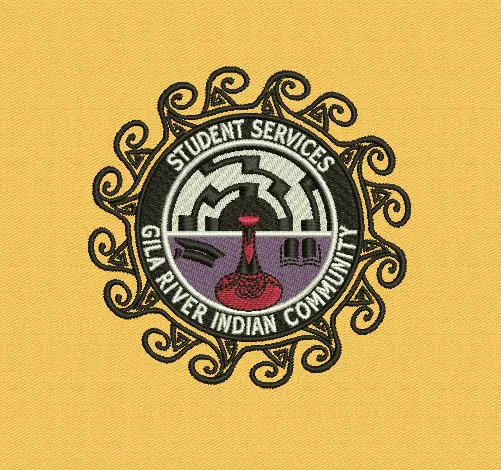
Embroidery digitizing is turning your logo into a stitch file that an embroidery machine can sew. A digitizer rebuilds the design stitch by stitch, choosing stitch types, angles, density, underlay and sewing order for your size and fabric.
Embroidery digitizing in one paragraph
Embroidery digitizing is the process of turning artwork, such as a logo, sketch or illustration, into a stitch file that an embroidery machine can sew. The file tells the machine where every stitch goes, which type of stitch to use, in what order shapes are sewn, and when to change thread color or trim. A person called a digitizer builds this file in specialist software, shape by shape, using the artwork as a guide.
The finished file is saved in a machine format such as DST or PES. We explain those formats in DST vs PES vs EXP.
Why a machine can't use your logo file
A JPG, PNG or even a vector AI file describes what a design looks like: its shapes and colors. An embroidery machine doesn't need to know what the logo looks like. It needs instructions: move here, stitch there, stop, change to red, carry on. None of that information exists in an image file, so someone has to create it.
Thread also behaves nothing like ink. It has thickness, it pulls the fabric as it tightens, and every color is sewn separately. A good stitch file plans for all of that, which is why the same logo needs different settings on a polo, a cap and a jacket.
 Illustration
What a digitizer actually decides
Six decisions shape every file. Here they are at a glance, with more detail below.
Stitch types
Most designs use three basic stitch types. Running stitches are single lines, used for fine outlines and details. Satin stitches zigzag back and forth to make smooth, shiny columns, ideal for lettering and borders. Fill stitches (often called tatami) cover larger areas in rows, like a woven texture. Choosing the right one for each shape makes the difference between crisp and messy.
Stitch direction
Thread reflects light, so the angle of the stitches changes how a color looks. Digitizers vary stitch angles to add depth and to stop large areas looking flat or pulling the fabric in one direction.
Underlay
Underlay is a layer of stitches sewn first, underneath the visible ones. It stabilizes the fabric and gives the top stitches something to sit on. Without it, designs sink into fleece or pucker on stretchy knits.
Density
Density is how close together the stitches are. Too dense and the design becomes stiff and can break needles; too loose and the fabric shows through. The right density depends on the fabric and the thread.
Pull compensation
As thread tightens, it pulls the fabric inward, so shapes stitch out slightly narrower than drawn. Digitizers widen shapes a little to compensate, so outlines and fills still line up on the finished piece.
Sequence and trims
The order shapes are sewn in affects quality and machine time. A well-sequenced file sews from the center outward where needed, avoids unnecessary color changes and keeps jump stitches and trims to a minimum.
Auto-digitizing vs. digitizing by hand
Auto-digitizing
- Instant, but the software guesses
- Odd stitch directions
- Small text often closes up
- Missing underlay, extra trims
Hand digitizing
- Every decision made on purpose
- Set for your size and fabric
- Readable lettering and clean edges
- Fewer thread breaks on the machine
Many embroidery programs have an "auto-digitize" button that converts an image into stitches automatically. It's fast, but it can only guess. Typical results include stitches running in odd directions, small text that closes up, no underlay where it's needed, and far more trims and color changes than necessary.
Hand digitizing takes longer because each of the decisions above is made deliberately for your size, fabric and placement. For anything that will be stitched more than a handful of times, that care pays for itself in fewer thread breaks and rejected garments. If you're comparing quotes, our guide to embroidery digitizing cost explains what drives the price.
What you should receive
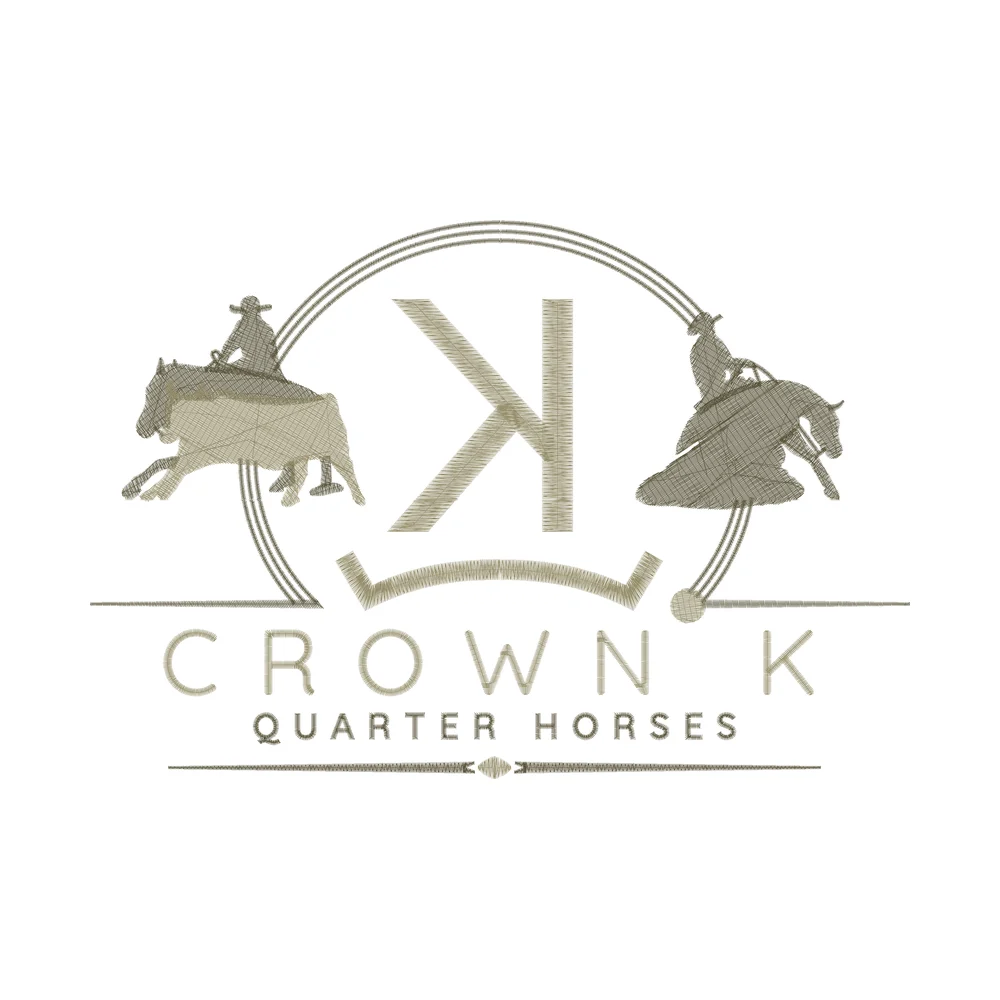
- The stitch file in your machine's format, for example DST for most commercial machines or PES for Brother.
- A preview of how the design will stitch, so you can check it before approving.
- A thread color chart listing each color stop in order.
- Revisions if something needs adjusting after you've seen the preview.
When you don't need digitizing
Digitizing is only for embroidery and embroidered patches. If your design is going to be screen printed, DTF printed, engraved or made into a PVC patch, you need clean vector artwork instead, not a stitch file. Not sure which you need? Tell us how the design will be produced and we'll point you in the right direction.
Getting your first file made
- Find the best version of your logo you have. Low resolution is usually fine.
- Decide the stitched size and what it's going on.
- Check which format your machine or embroiderer needs.
- Send it over with any thread colors you want to match.
Our guide on preparing a logo for embroidery digitizing goes through each of these in more detail.
Embroidery digitizing FAQs
What is embroidery digitizing in simple words?
It is turning a logo or picture into a stitch file that an embroidery machine can sew. A digitizer decides every stitch: its type, direction, density and the order the shapes are sewn in.
Why can't an embroidery machine use my JPG or PDF?
Image files only describe how a design looks. A machine needs instructions for where to put each stitch and when to change color or trim, and that information has to be created by digitizing.
Is auto-digitizing as good as hand digitizing?
Usually not. Auto-digitizing guesses, so it often gives odd stitch directions, closed-up small text, missing underlay and extra trims. Hand digitizing sets each of those for your size and fabric.
What do I get when a design is digitized?
With us, every order includes the DST file, the EMB source file, a PDF approval sheet with the stitch count, colors and size, and a JPG sew-out preview. Other machine formats such as PES or EXP are available on request.
How long does embroidery digitizing take?
Most files are delivered the same day, usually within 3 to 5 hours. Rush files can be ready in 2 to 4 hours for an extra fee.
Need a logo digitized?
Send your artwork, size and machine format. We digitize by hand and reply with a free quote within one business day.
Get a Free Quote →